

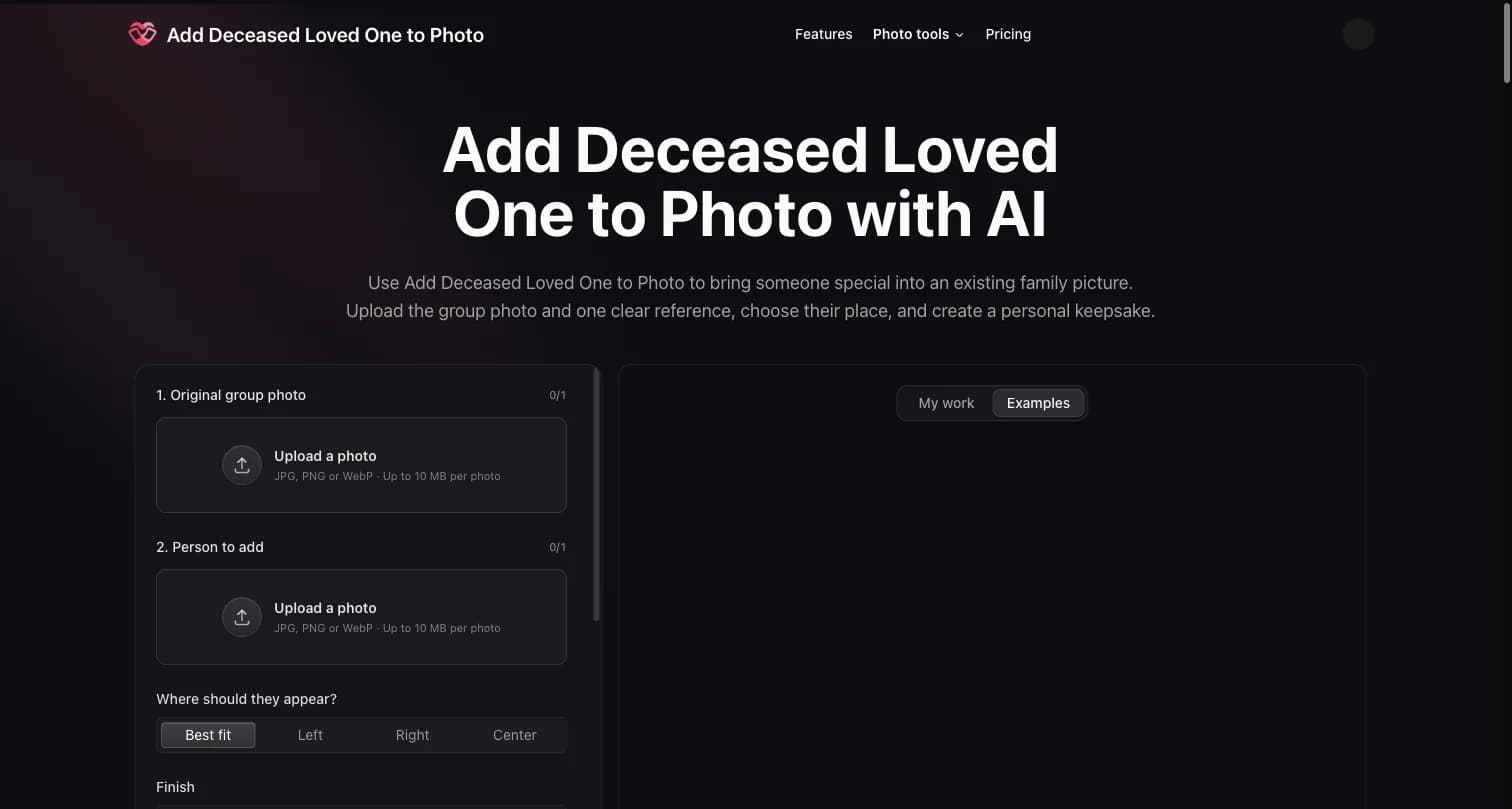
Add Deceased Loved One to Photo
Project-associated, AI-assisted listing for a family-photo composite tool. 10 signup credits cover one generation; later generations are paid.
About the Tool
Discussion (0)
No comments yet. Be the first to share your thoughts!
Similar Image Generation Tools

PACK AI STUDIO: beer can mockup
Describe your product in a sentence and PACK AI STUDIO returns can designs at real print sizes, ready to export.

AI Halloween Photo Generator
Choose a Halloween template, upload your photo, and get a costume portrait—no long prompts. Solo, couple, and pet styles with credit-based generation.

My Look Story
Photo-first AI tools for hairstyle previews, headshots, artistic filters and background editing, using your own photos.
example
example example example example xkkndknddnsnsseueueueueuennkslsnd

Scientific Figure AI
Create publication-ready scientific illustrations, workflows, and graphical abstracts with editable labels and export options.

Nano Banana 21
Nano Banana 2.1 generates and edits images in one workspace: Lite text prompts, plus Pro, Qwen Image 2.1, or GPT Image 2.5 for reference edits.