

AI Video Expander
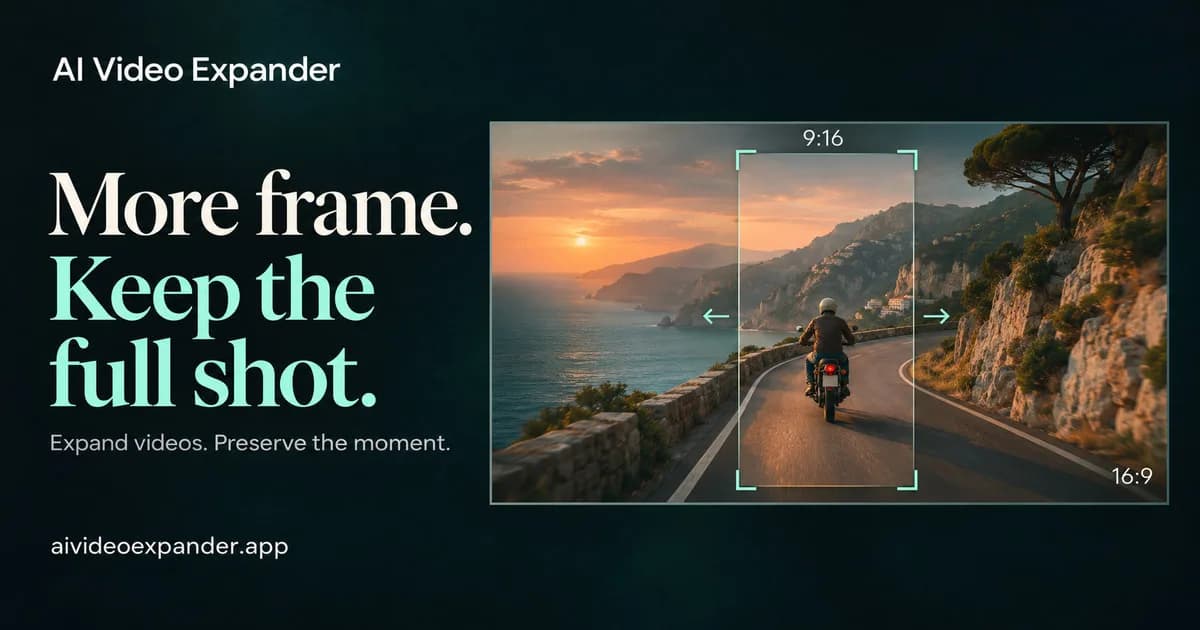
AI Video Expander adds space beyond your video frame. Reformat clips for TikTok, Reels and YouTube without cropping the subject or adding black bars.
About the Tool
Discussion (0)
No comments yet. Be the first to share your thoughts!
Similar Video & Content Creation Tools

EzAiRapVideo
AI rap video generator: turn one or two photos into a rap performance. Add lyrics or an occasion, pick a stage, and create in your browser.

Tiptoeing in My Jordans
Tiptoeing in My Jordans animates one person or pet photo into a short preset dance meme video for social sharing.

RoadsterVideo
RoadsterVideo turns one photo of a car, toy car or any vehicle into a 15-second Tesla Roadster ramp-flip AI video.

Malfoid Video
Malfoid Video is a fan-made studio to make Malfoid (female Draco Malfoy) images and animate them into 9:16 videos.

ImagineVid AI
ImagineVid turns prompts, product photos, and references into videos and images for ads, ecommerce, and social campaigns.

Gemini Omni 1.2 Flash
Multimodal AI video generator — prompts + up to 7 image refs → 4–10s clips up to 4K; start free / pay per clip