
audio2clean
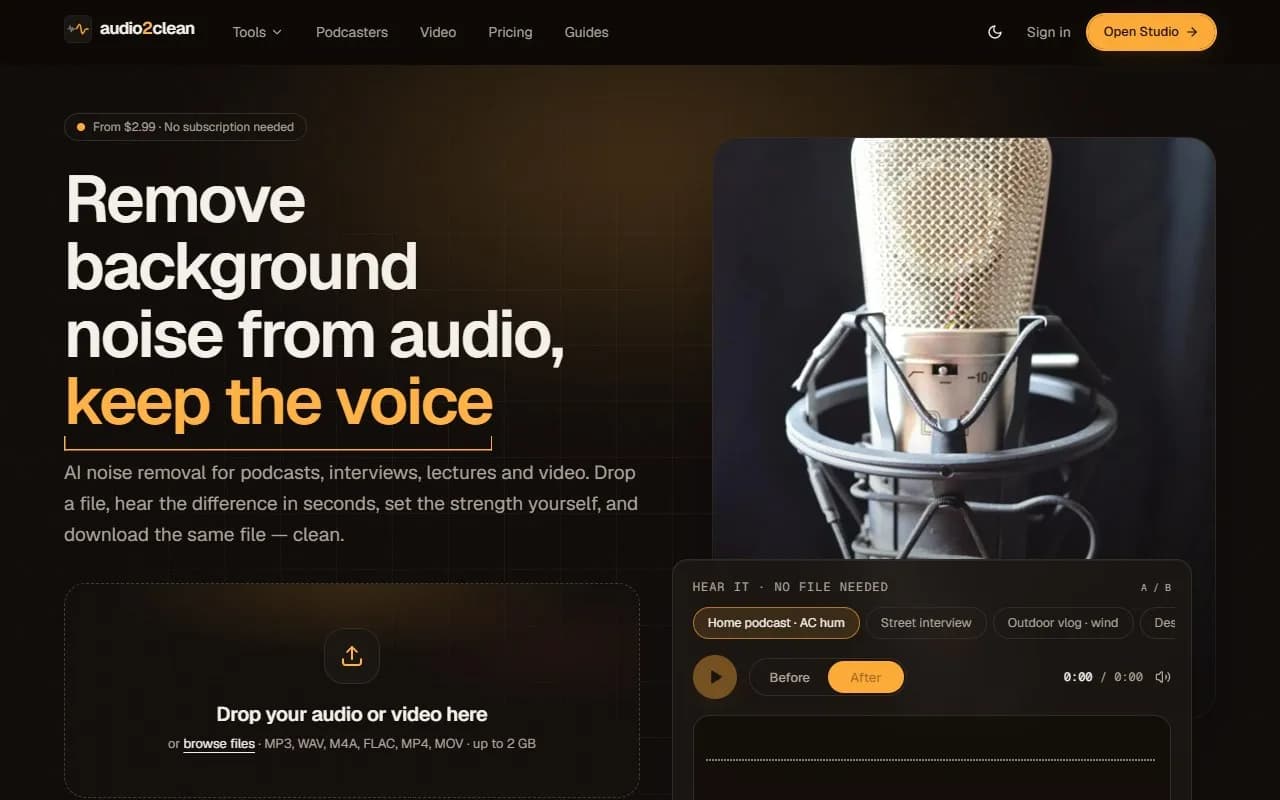
AI background noise removal for podcasts, interviews and video, with a strength dial
About the Tool
Discussion (0)
No comments yet. Be the first to share your thoughts!
Similar Music & Audio Tools

MakeBeat
MakeBeat is a free online AI beat maker: program a step grid or describe a groove, and AI turns it into a full beat with 808s, chords and melody.

Chanson Personnalisée
Turn your story, names and memories into a personalized song to gift. Custom lyrics checked before payment, delivered by email within 24h.

SoundToMIDI
Convert common audio files to editable MIDI locally in your browser, preview detected notes, and download Raw MIDI for free.

AISongGift
AISongGift helps people turn names and shared memories into a personal song they can give to someone they care about when words feel too small.

MV Maker
MV Maker turns any song into a music video with lyrics word by word and every cut on the beat.

British Accent Generator
Create British text to speech with 315 RP, Scottish, Welsh, and Northern Irish voices, then download natural UK English audio.