

CleanVideoText
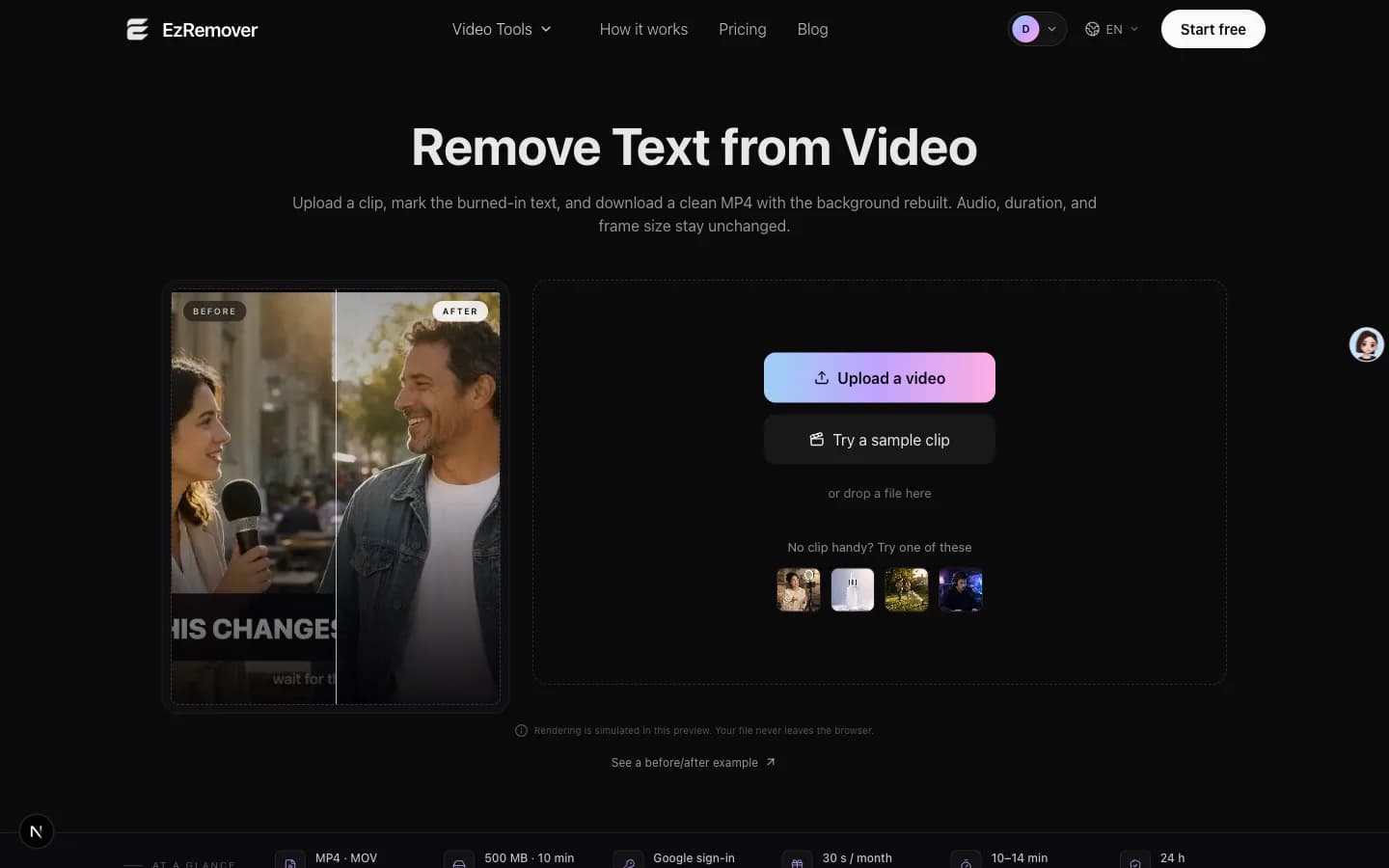
AI removes baked-in text from video by rebuilding the background instead of blurring or cropping. Upload MP4 or MOV, mark the text, export a clean clip.
About the Tool
Discussion (0)
No comments yet. Be the first to share your thoughts!
Similar Video & Content Creation Tools

letsmkvideo
letsmkvideo turns written ideas and still images into short generated videos.

Genjutsu AI
Reference-guided video-to-video editor: swap a character, outfit, product or background while keeping the original motion and timing.

MiniMaxH3.app
Independent online studio for MiniMax H3 video generation: text-to-video, first/last frame, omni reference, native 2K with stereo audio.

Live Face Swap
Browser webcam Face Swap, Restyle and Try-On with local preview, paid AI credits, and recording and downloads in compatible browsers.

Html2MP4
Html2MP4 turns HTML, website URLs, prompts, and templates into frame-accurate MP4 videos online, powered by HyperFrames.

Skull Cap AI
Skull Cap AI turns one photo into a 10-second skull cap trend video: a goofy before, the camera tip, then you in the skull cap.