

DeskWink
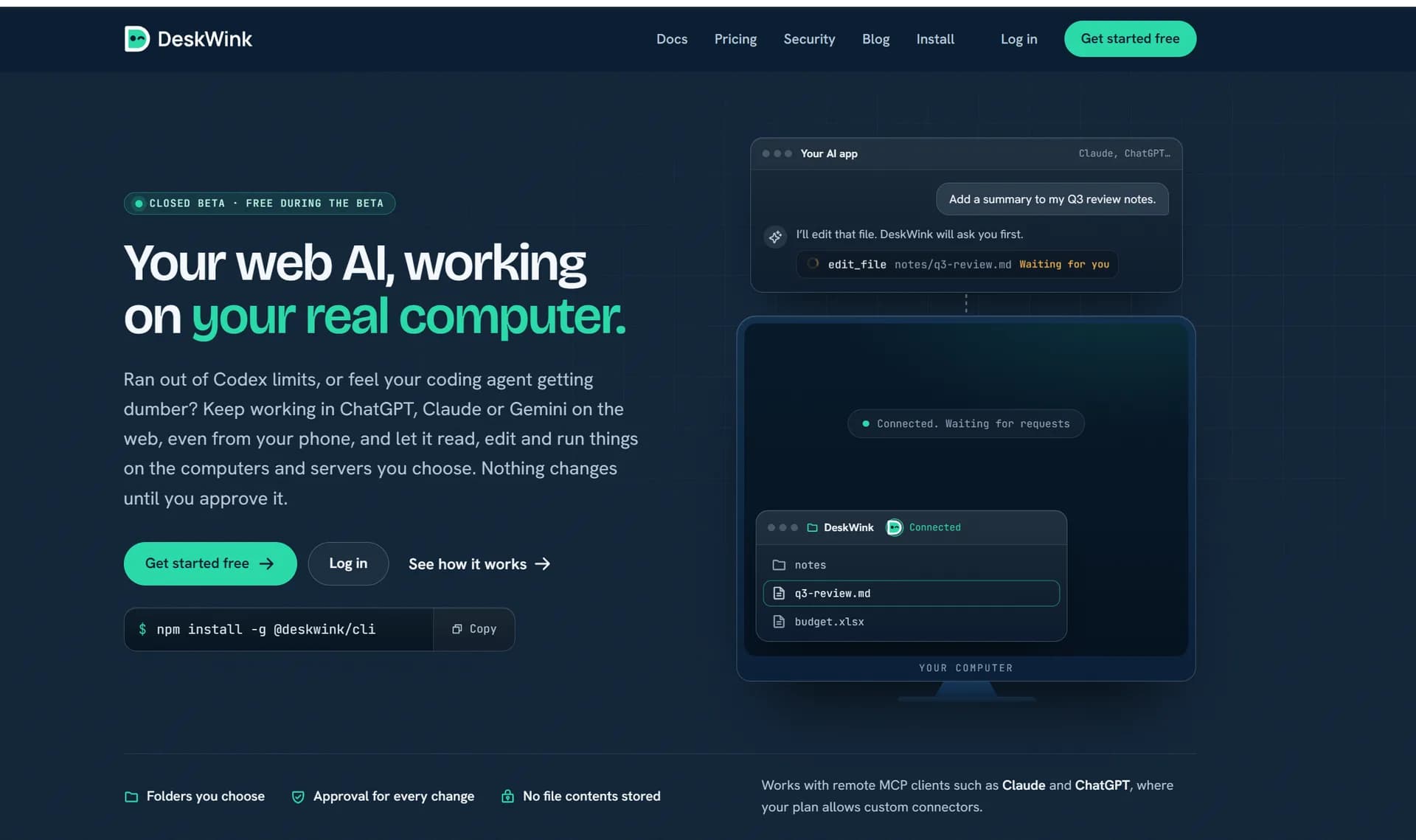
Closed-beta (free during beta): DeskWink lets ChatGPT, Claude & Gemini browse, read, search and propose edits to folders on your computer.
About the Tool
Discussion (0)
No comments yet. Be the first to share your thoughts!
Similar Developer Tools Tools

Ant & Iren Liberty Studio
We build Telegram bots, parsers, websites and AI automation.

XCrawl
One API for developers to scrape, crawl, map and search the web into LLM-ready Markdown or JSON.

Tabutilitycom
Tabutility is a collection of 153 free browser-based tools for developers, creators, accountants, job seekers, and everyday tasks.

Beat API
Access AI text, image, and video models, social data, and web search through one API key. Build AI agents and apps with OpenAI-compatible APIs.

SightRadar
Face recognition API that is a drop-in replacement for AWS Rekognition. Index, search, compare and detect faces, billed per photo with no subscription.
Udon
Turn your Mac into a home server, with AI as your sysadmin whenever you want.