

Fill PDF from Sheet
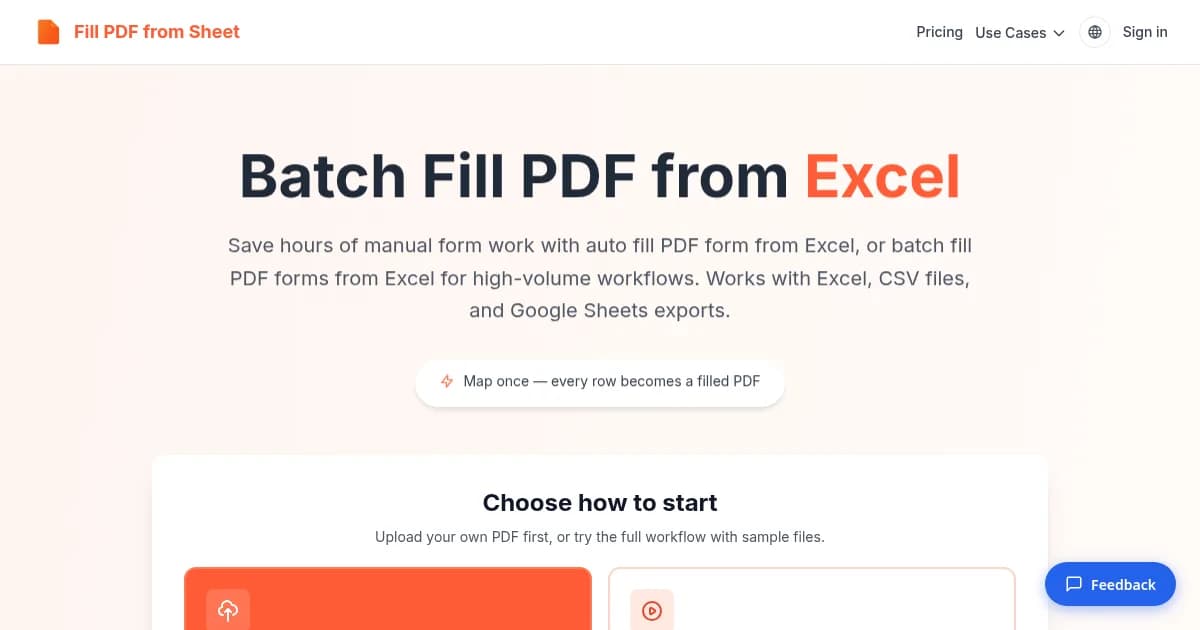
Batch-fill PDF forms from Excel, CSV, or Google Sheets. Map columns to fields once, then download a filled PDF for every row. Free plan has a watermark.
About the Tool
Discussion (0)
No comments yet. Be the first to share your thoughts!
Similar Productivity Tools

Detect AI Watermarks
A privacy-first browser tool to detect invisible AI watermarks and clean text locally. No signup or data uploads required.

MCP360
MCP360 is a unified gateway and marketplace that provides 100+ external tools and custom MCPs through a single integration for AI agents.

Atribusi
First-party website analytics. Add one script to see traffic, pages, sources, goals, live visitors, and optional session replay.

tmps.fyi – Online Clipboard
Free online clipboard for sharing text, images, files and desktop screenshots across devices. No app or sign-up. Optional password and automatic cleanup.

AddrGen.VIP
AddrGen.VIP generates structured, format-valid international mock addresses and postal codes for software QA engineers testing checkout flows, localization, and

Huhu
Huhu provides AI-assisted real-time interpretation for classes, meetings and cross-language talks, with live bilingual subtitles, history review and SRT export.