
MOSS Image Studio
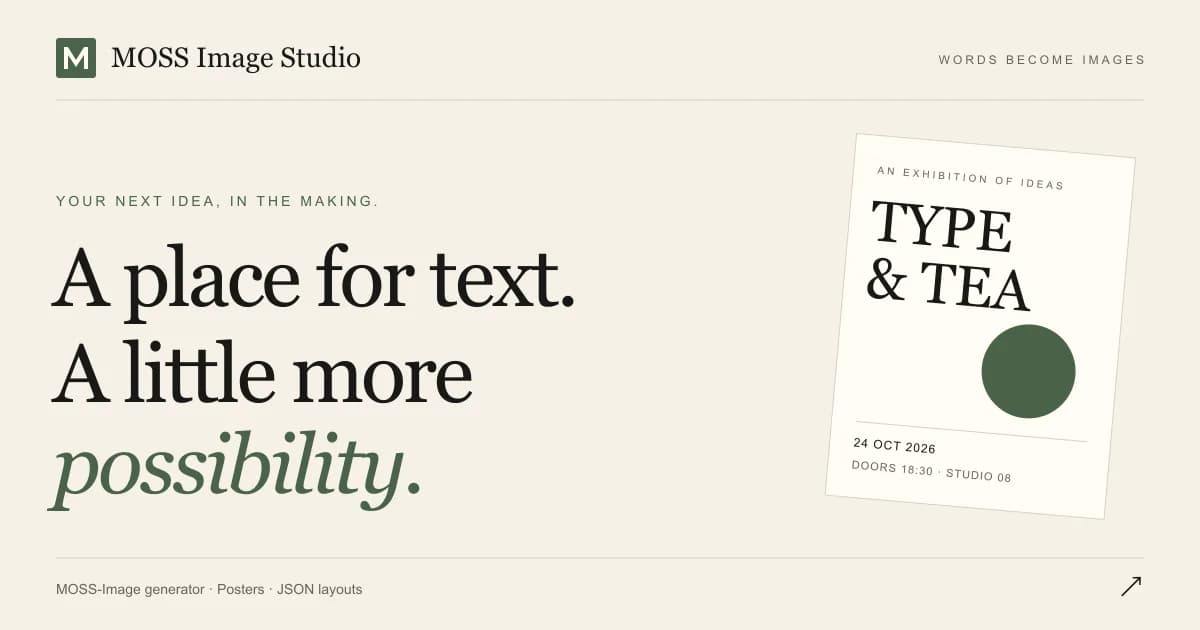
Type the headline, date and small print; put each line in a box on the canvas; the model renders that text spelled right. Menus, price tags, flyers, signs.
About the Tool
Discussion (0)
No comments yet. Be the first to share your thoughts!
Similar Image Generation Tools

GPT Image 2
GPT Image 2 is a next-gen AI image generator with razor-sharp text rendering, photorealistic output, and deep world knowledge. Try GPT Image 2 free online.
GIFGenerator
AI GIF generator for creating short looping animations from prompts or reference images.

ZombieTrend
Turn two photos into a 15-second AI zombie hug video — couples, friends, or pets.

Ihatepdf
ihatepdf.cv is a free, privacy-first PDF toolkit with 60+ tools to merge, split, compress, edit, convert, sign, encrypt, redact and more. Everything runs direct

ImgEditor.ai
AI image editor for prompt-based photo editing, background removal, object cleanup, upscaling, style transfer, and image generation.

UPC Label Maker
Free GS1-compliant UPC-A, EAN-13, GS1 DataMatrix, and Amazon FBA FNSKU barcode generator for Avery 5160 sheets and 2x1 thermal rolls.