

OpenPixels
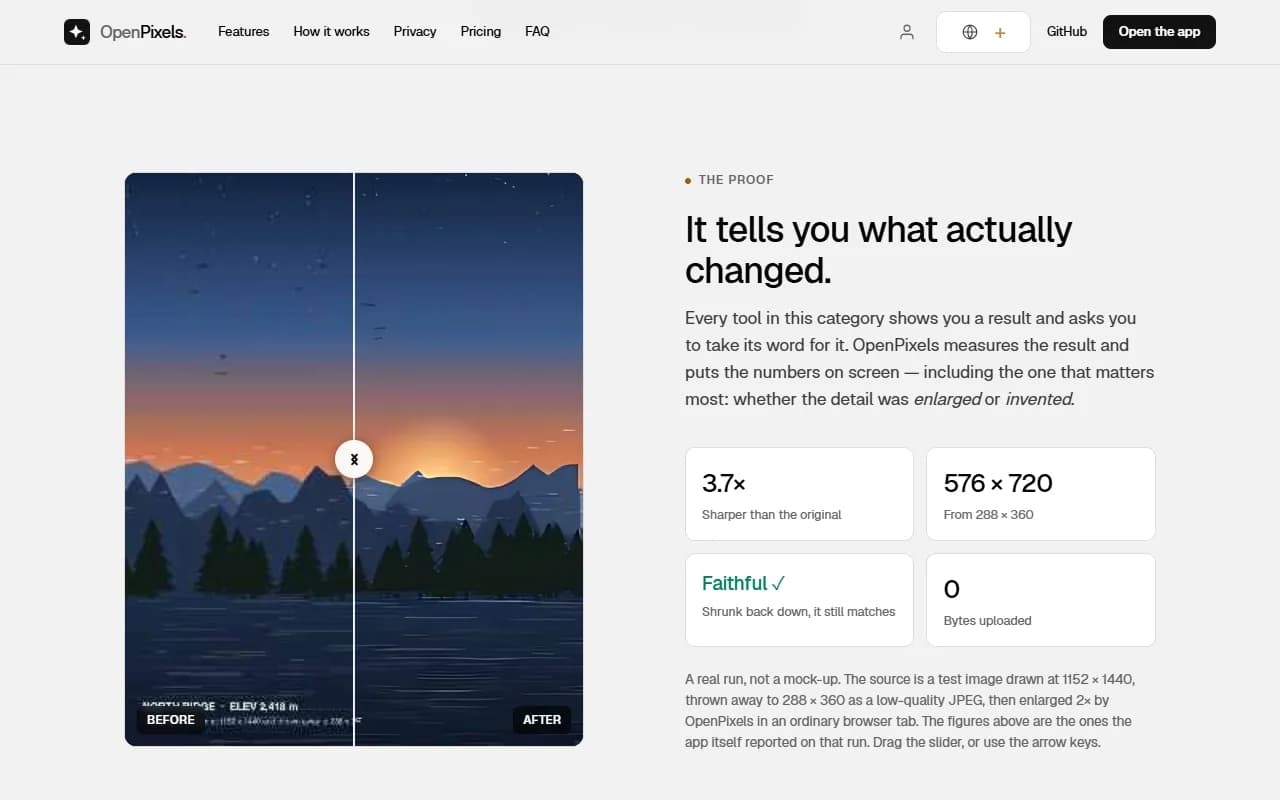
Upscale and restore photos in your browser, nothing uploaded
About the Tool
Discussion (0)
No comments yet. Be the first to share your thoughts!
Similar Image Generation Tools
GPTWATERMARKER
AI-powered platform for transforming images and videos into clean, high-quality visuals.
Next3D AI 3D Model Generator
Generate textured 3D model drafts from text prompts or reference images for games, product visuals, prototypes, and creative workflows.

Have Another Cherry
Have Another Cherry is designed with your relationships in mind. Unlike most expense sharing apps.

Screen Charm
Professional macOS tool for screen recording with auto‑zoom, smooth cursor, webcam support, and beautiful backgrounds.

ListingFlow
Upload one product photo and get 3 AI-generated Amazon listing infographic previews in minutes, with free watermarked downloads and clean PNG export from $2.

Poket Dev
Flat-rate monthly subscription for unlimited software development requests, delivered one at a time by a senior dev, code via private GitHub repo.