

Org Chart Studio
Create an org chart in minutes from an Excel or CSV roster, a template, or a blank chart. CSV export is always free; no per-seat fees.
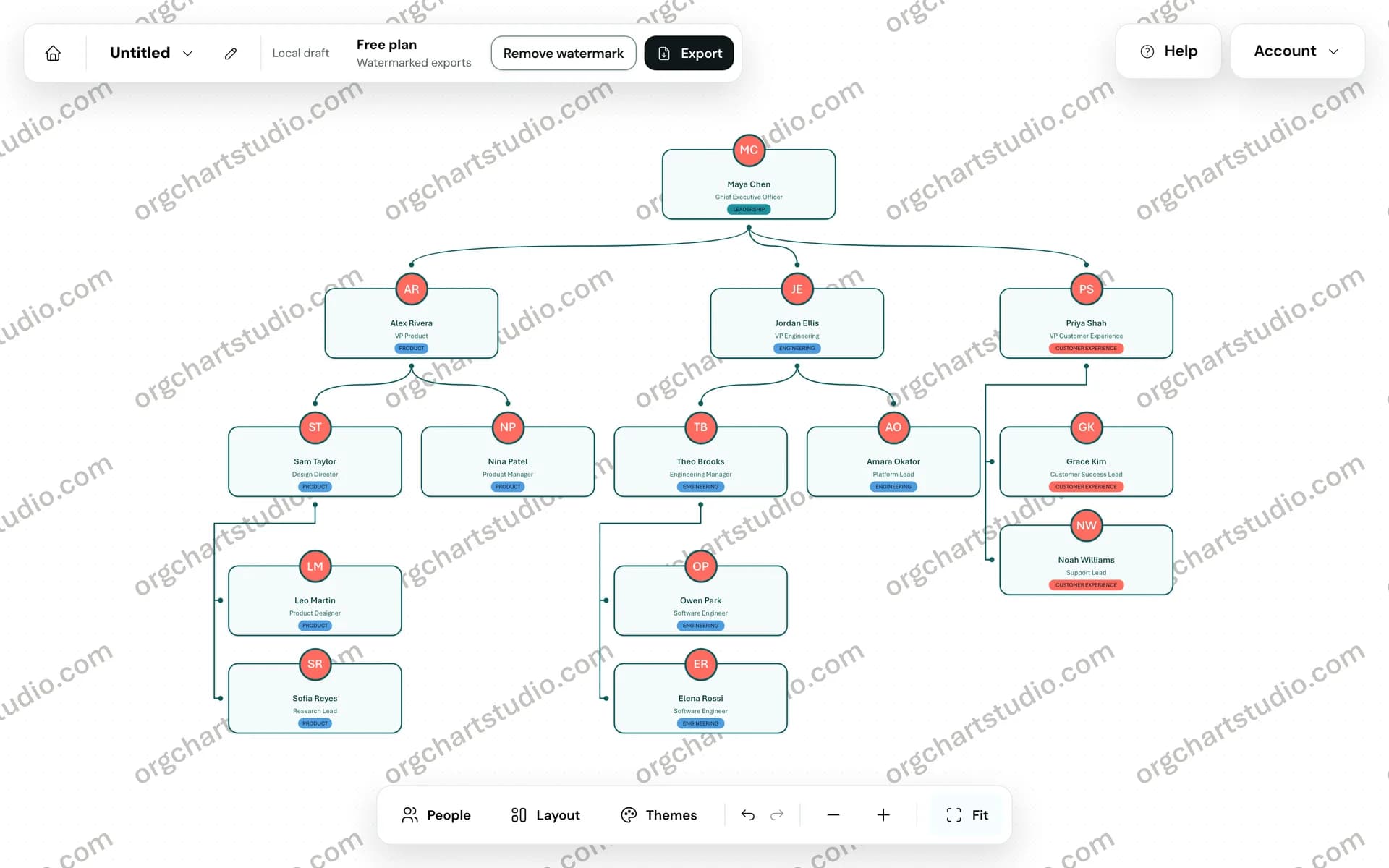
About the Tool
Discussion (0)
No comments yet. Be the first to share your thoughts!
Similar HR & Recruitment Tools

Gappeo AI
AI hiring platform for faster screening, assessments, interviews, and candidate shortlisting.
Talent Approved
AI-powered skill assessments for hiring teams. Build role-specific tests in minutes, proctor candidates, and hire on data not gut feel.
Job Beacon
JobBeacon helps job seekers discover new opportunities faster with a growing job database, smart search tools, and useful career data.

Humatix Business Consulting
HR consulting in Dubai, HR services, and staff evaluation help develop talent management, leadership, and a strong corporate culture.

ApplyTOP
ApplyTOP gives job seekers a CV builder, cover letter generator, ATS resume checker, resume match score, and skill gap analysis.

AI Interviewer
Hyring is an advanced AI recruitment software platform designed to automate and streamline the entire hiring process.