

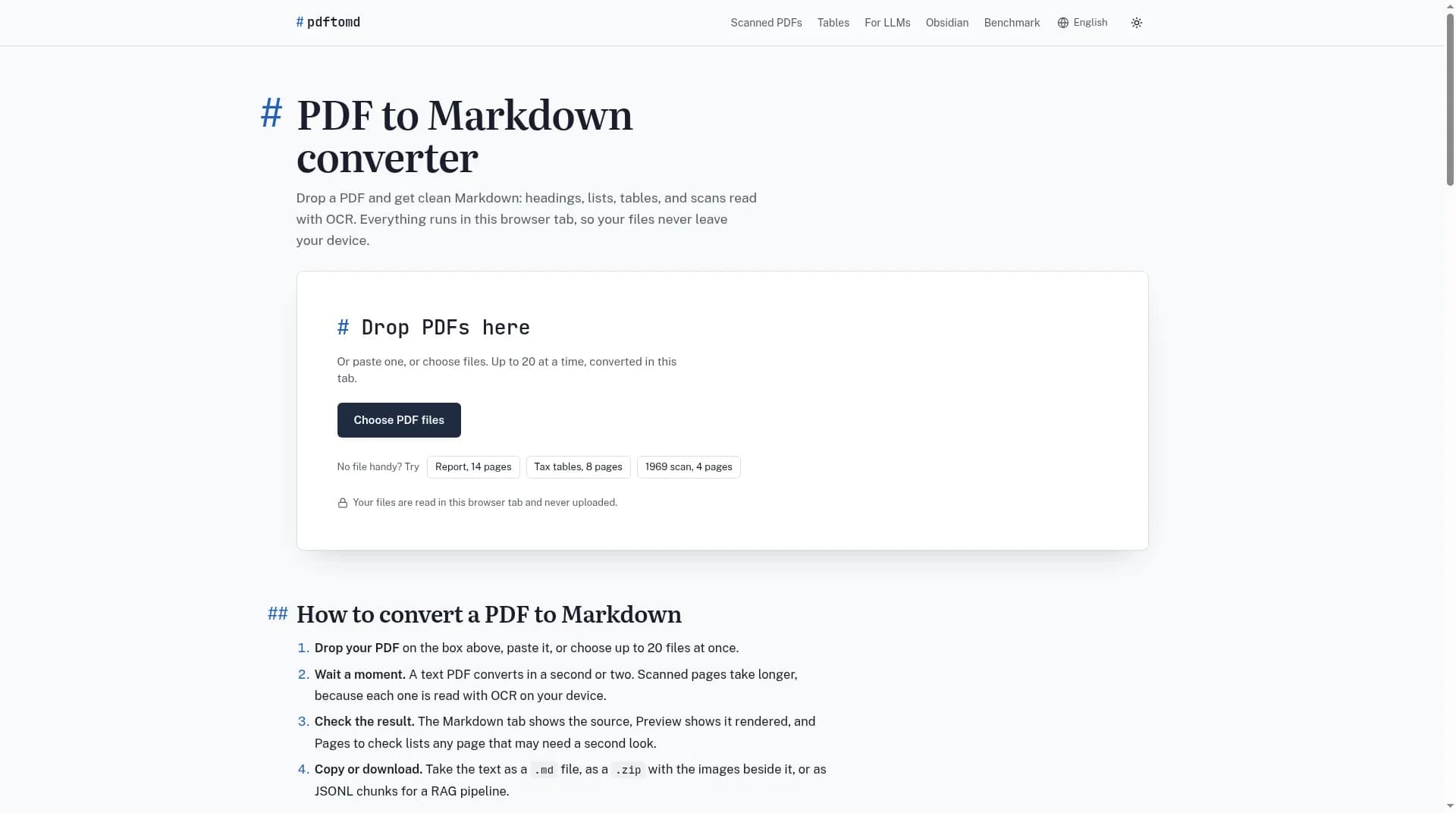
pdftomd
Convert text PDFs or scanned pages to Markdown in your browser; OCR runs locally, and files stay on your device.
About the Tool
Discussion (0)
No comments yet. Be the first to share your thoughts!
Similar Productivity Tools

VoiceVibe
An AI voice assistant you can use anywhere on your computer. Press a key and talk. It types, speaks and does what you say.

Notesnchat
Smart Reminder App to Organize Your Tasks, Notes & Daily LifeNotesnChat is an all-in-one reminder app designed for modern life.

It's a Date
Track NYC restaurant booking windows and get notified the moment it’s time to call or reserve.

Proofite
Turns newsletters, RSS feeds, web searches, X profiles and saved links into one AI-written daily briefing you can read or listen to.
Toolali
Access 100+ free online tools on Toolali: PDF editors, converters, developer utilities & calculators. No sign-up, 100% private browser processing

ytskim
Instant YouTube Transcript & Summary