

Photo to Excel
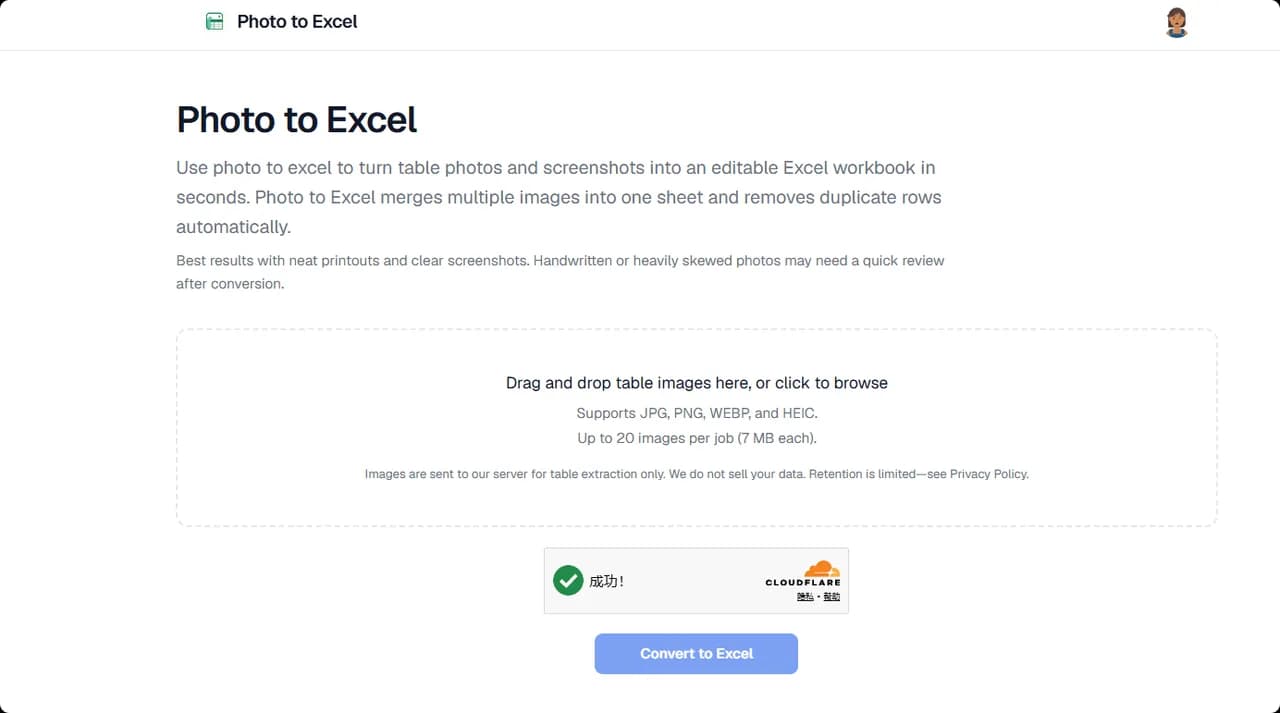
Turn table photos and screenshots into editable Excel files with Photo to Excel. Merge images, remove duplicates, preview, and download free—no login required.
About the Tool
Discussion (0)
No comments yet. Be the first to share your thoughts!
Similar Image Generation Tools

cvber
AI companies scrape millions of artists' work without permission for training data. Artists have no proof of ownership, no enforcement tools, and no monitoring.

Portrait Preset Coach
Analyzes portrait photos and generates personalized Lightroom XMP presets matching your editing style. Learns from every export.

Have Another Cherry
Have Another Cherry is designed with your relationships in mind. Unlike most expense sharing apps.

BlurOutAI
Free AI blur tool that runs 100% in your browser. Auto-detect faces, blur backgrounds, and censor text or plates. No signup, no uploads, no trace

Watermarks Remover
Remove visible and invisible AI watermarks from images and clean up visual assets online with a fast, simple workflow.

Reelry
Reelry learns your brand from your website, then ideates, scripts, and produces faceless TikTok reels in your style - so you can post consistently.